Nov 17, 2026
Nov 17, 2026

Oct 31, 2026
Oct 31, 2026

Oct 29, 2026
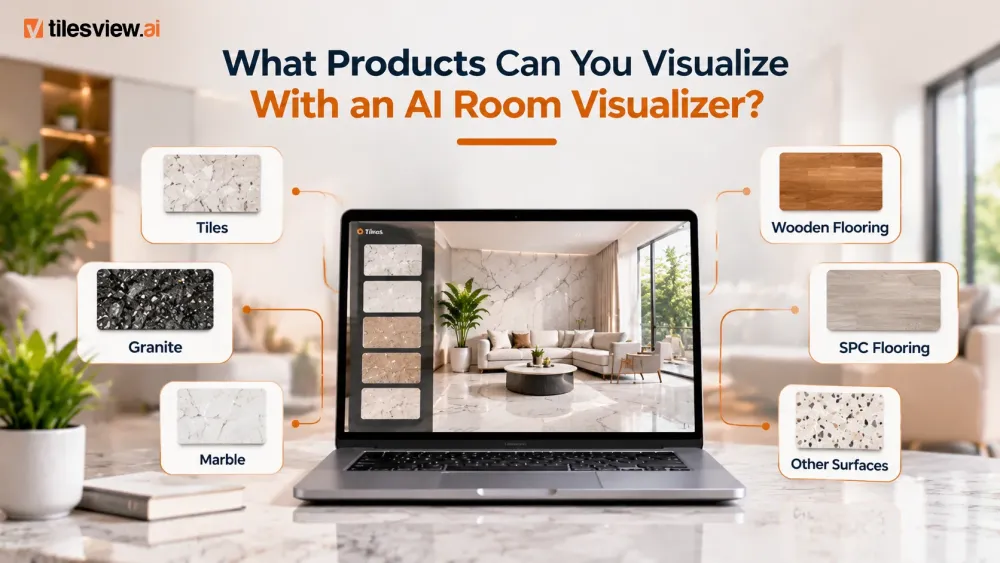
Choosing the right products for your home can be challenging. Whether you are renovating a room, designing a new space, or updating your interiors, it is not always easy to imagine how different products will look together. A flooring sample, paint swatch, or wallpaper catalogue may look attractive on its own, but seeing it in your actual space can make a big difference.
An AI room visualizer makes this process easier by allowing users to preview different products and materials in a room image before making a purchase decision. Instead of relying only on samples or imagination, you can explore different designs, colours, textures, and finishes in a realistic room setting.
But what products can you actually visualize with this technology?
From tiles and wooden flooring to paint, wallpaper, furniture, and wall art, modern room visualization tools support a wide range of home improvement and interior design products.
Let's explore the different product categories you can visualize with an AI room visualizer.
Tiles are among the most popular products to explore using an AI room visualizer. Whether you are selecting tiles for a living room, bedroom, kitchen, or bathroom, visualization helps you understand how different tile designs will look in your space.
You can preview options such as:
You can also compare different colours, patterns, and layouts to find a design that complements your interiors.
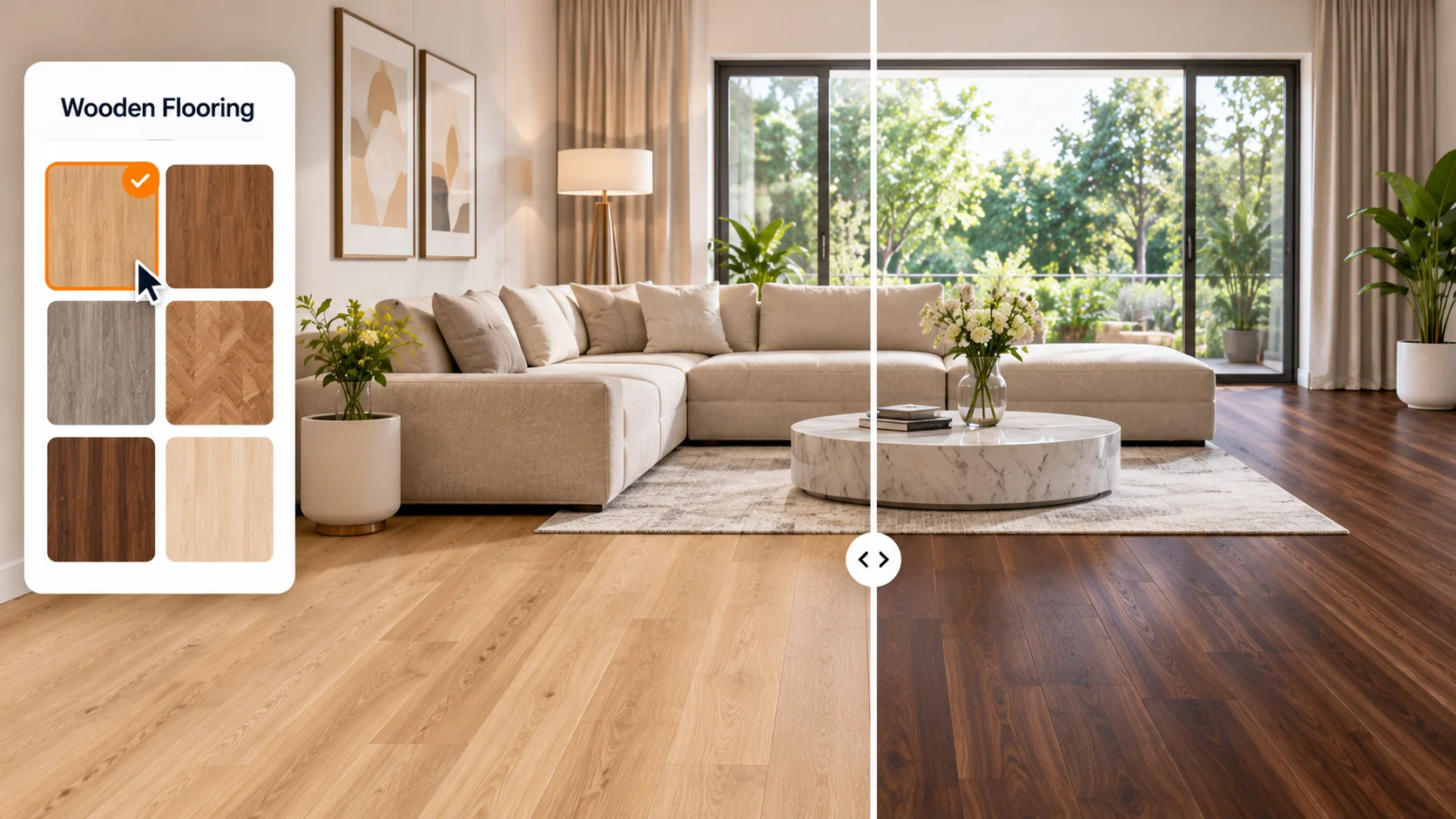
Wooden flooring adds warmth and character to interior spaces. However, selecting the right wood shade and finish can be difficult without seeing it in the actual room.
An AI room visualizer allows you to explore different wooden flooring options, including light oak, natural wood, dark walnut, and other finishes.
You can compare:
This makes it easier to find flooring that matches your furniture, wall colours, and overall interior style.
Natural and engineered stone surfaces are widely used in residential and commercial interiors. Their colours, patterns, and textures can significantly influence the appearance of a space.
With an AI room visualizer, users can preview different surface designs before selecting materials.
Popular options include:
These materials can be explored for suitable interior applications, such as countertops, floors, and decorative surfaces.
Choosing a paint colour is not always as simple as selecting a shade from a colour chart. Lighting, room size, furniture, and surrounding colours can change how a shade appears.
A paint visualizer helps you experiment with different wall colours directly in your room photo.
You can explore:
This allows you to compare multiple colour options before deciding which one works best for your space.
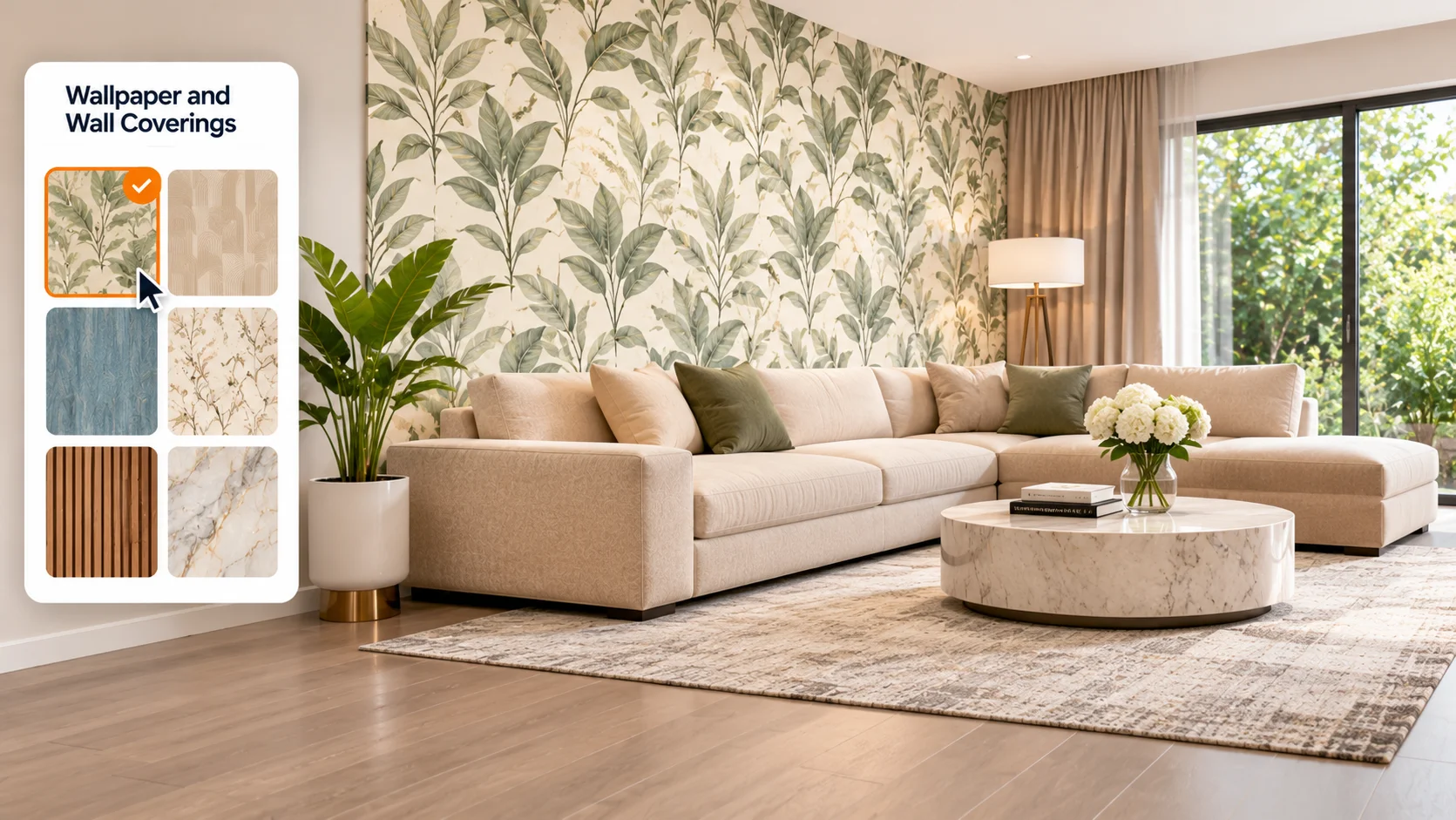
Wallpaper is an effective way to add patterns, textures, and visual interest to a room. However, a design that looks appealing in a catalogue may appear very different when applied to an entire wall.
An AI room visualizer helps you preview wallpaper designs in your actual room.
You can explore:
It becomes easier to understand how different patterns influence the overall appearance of your interiors.
Wall panels can transform plain walls into attractive interior features. They are commonly used in living rooms, bedrooms, offices, and commercial spaces.
With a room visualizer, you can explore different panel designs and finishes before installation.
Some popular options include:
Previewing these products helps you evaluate how they complement your existing furniture and interior design.
Rugs and carpets can add comfort, colour, and texture to interior spaces. However, choosing the right size, pattern, and colour is important for maintaining visual balance.
A room visualizer can help you explore different rug and carpet styles in your space.
You can compare:
This helps you understand how a rug or carpet can complement your flooring, furniture, and room layout.
Wall art and murals can make a room more personal and visually appealing. Whether you prefer modern artwork, abstract designs, nature-inspired prints, or decorative murals, seeing them on your wall before purchasing can help you make a better choice.
An AI art visualizer allows you to explore different artwork styles and placements within your room.
You can preview:
This makes it easier to find artwork that suits your room's style and available wall space.
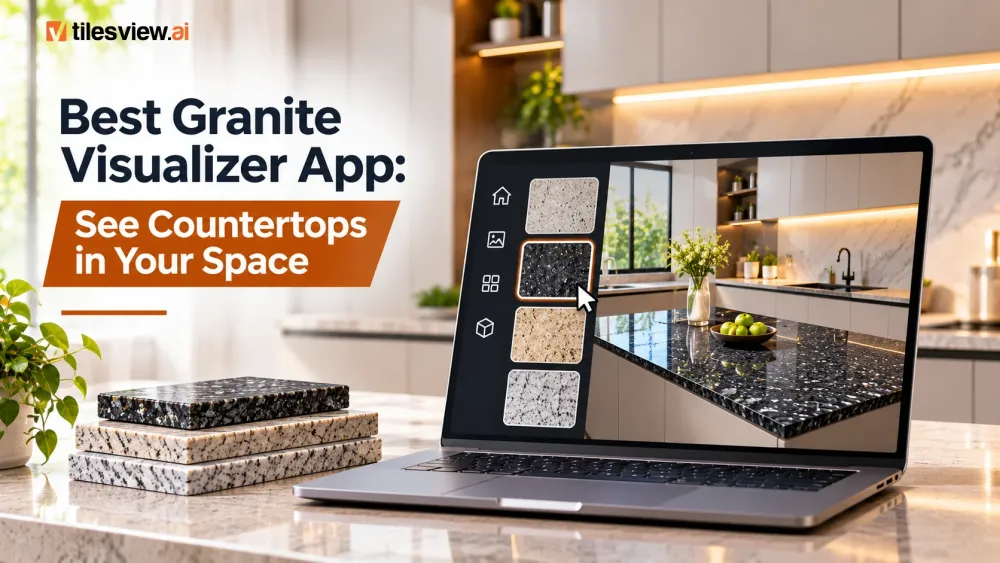
Countertops are important design elements in kitchens, bathrooms, and other functional spaces. Selecting the right surface involves considering its colour, pattern, and how it complements surrounding cabinets and interiors.
With a suitable visualization solution, you can explore different countertop appearances, including:
Previewing different options can help homeowners and designers compare surface styles before making a final selection.
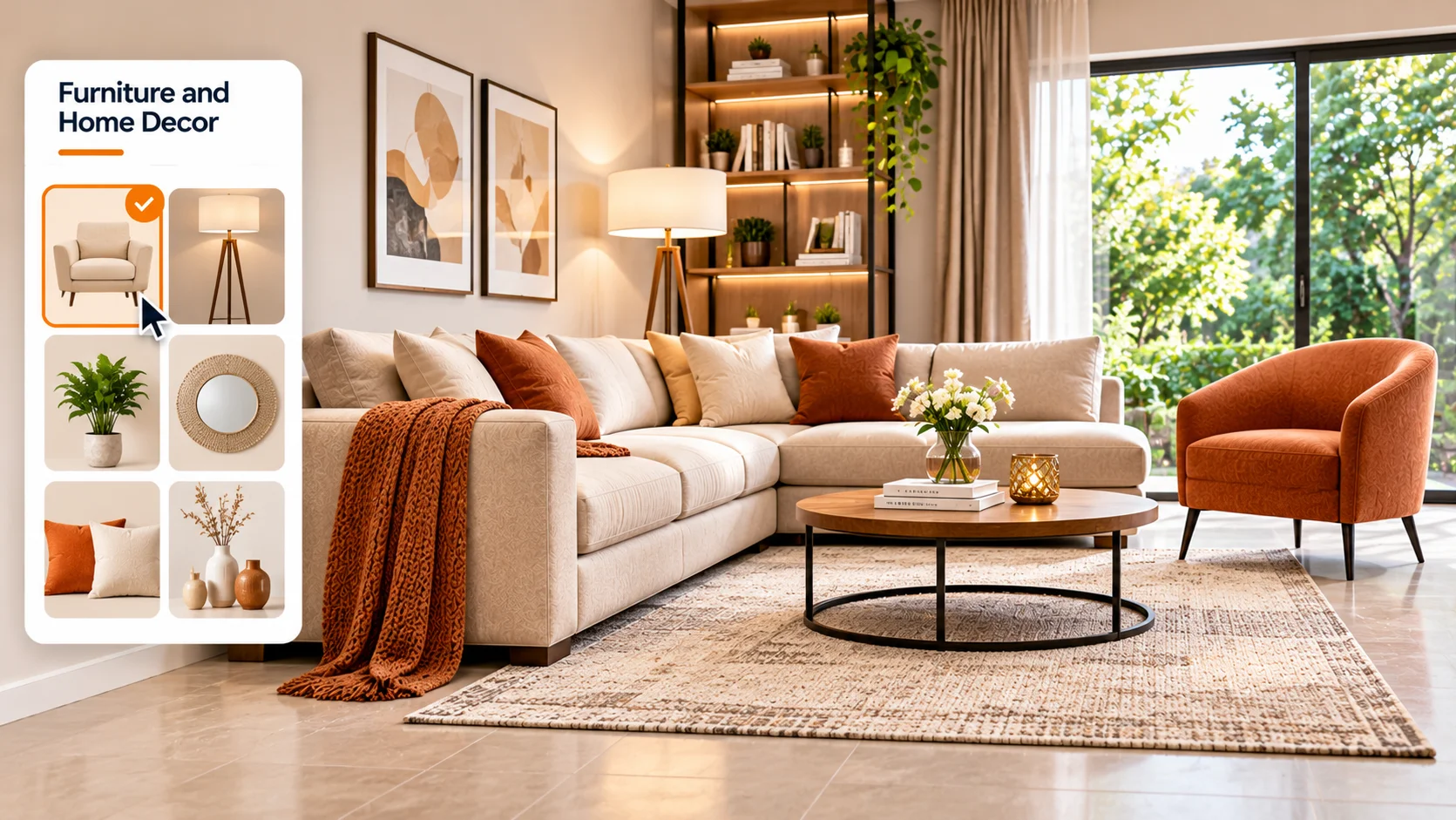
Furniture and home decor products play an important role in creating a comfortable and visually balanced interior.
Depending on the visualizer's supported product categories, users can explore different furniture styles, colours, and decor combinations.
Examples include:
Visualizing these products in a room setting can help users understand how individual pieces work together.
An AI room visualizer does more than display product designs. It helps customers explore different possibilities and make more informed decisions.
Here are some important benefits:
1. Preview Products Before Purchasing
See how different products and materials may look in your room before placing an order or starting a renovation.
2. Compare Multiple Designs
Explore different colours, patterns, textures, and finishes without physically testing every product.
3. Save Time During Product Selection
Reduce the time spent comparing physical samples and imagining how products will look in your space.
4. Improve Buying Confidence
Visual product previews help customers better understand their choices and narrow down suitable options.
5. Discover New Design Possibilities
Experiment with different product combinations and explore interior styles you may not have considered before.
Choosing the right products becomes easier when you can see how they look in a real room setting. Tilesview helps businesses bring product visualization into the customer shopping experience through AI-powered visualization solutions.
From flooring and tiles to paint, wallpaper, wall coverings, rugs, and other interior products, Tilesview helps businesses showcase their product collections in engaging visual environments.
Whether you are a manufacturer, retailer, distributor, or home improvement brand, product visualization can help customers explore available options and make more confident decisions.
Instead of asking customers to imagine how a product might look, give them an opportunity to see it in their own space.
Explore Tilesview and discover smarter ways to showcase your products.
Depending on the platform's supported features, you can visualize tiles, wooden flooring, marble, granite, paint, wallpaper, wall panels, rugs, carpets, wall art, countertops, and selected furniture and décor products.
Yes. Some visualization platforms allow users to explore flooring and wall colour combinations in the same room image, making it easier to compare different interior styles.
Yes. Homeowners can use an AI room visualizer to explore different flooring, wall, and surface designs before beginning a renovation or purchasing materials.
No. Many modern visualization tools are designed for everyday users. You can upload a room image, select supported products, and explore different design possibilities through a user-friendly interface.
It allows businesses to showcase their product collections in realistic room settings, helping customers understand product appearance, compare options, and make more informed purchasing decisions.

Anand Bhoraniya is a technology entrepreneur and visualization innovator at Tilesview, specializing in AI-powered room visualization software for tile, flooring, paint, and wall covering brands. He regularly shares insights on AI visualization trends, virtual showroom experiences, personalized design technology, warm minimalist interiors, and photorealistic room design solutions.
Get the latest insights on room visualizer, interior design trends, and product updates delivered to your inbox.
No spam. Unsubscribe anytime.